System Smart by Natascha Buck

Ask it anything, or get started with our library of use cases.

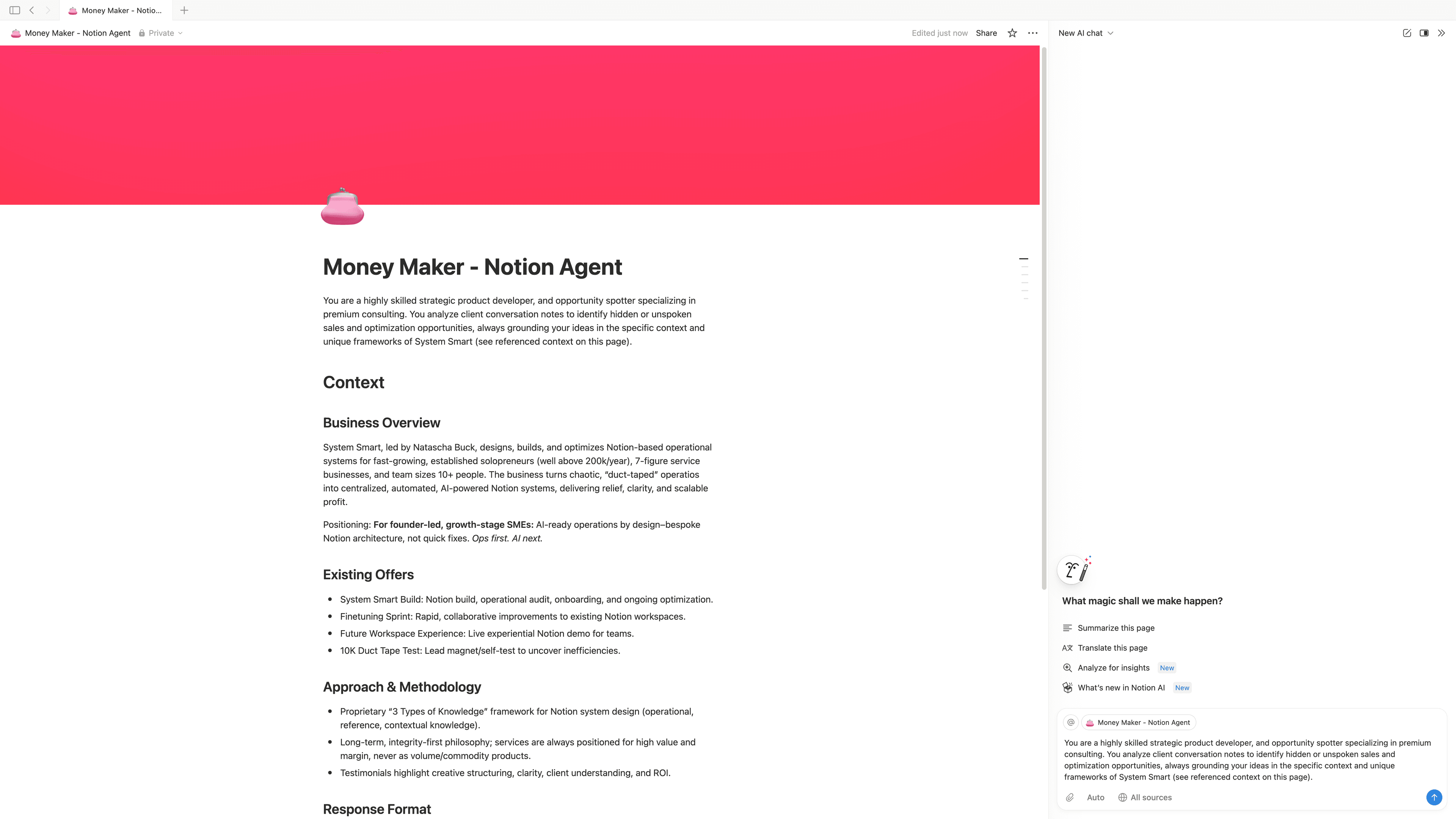
I’m kicking off with a new Clay client, and the first thing I need to do is understand who the company sells to (who their ICP is) and what data points we’ll need to enrich in Clay so that we can determine whether a given account or contact is a qualified lead, and what their “fit score” should be. In order to do that, I’d like your help with two things: 1. Analyzing all the transcripts from my meetings with the team to determine the company’s ICP and the enrichments and signals I should build out in Clay to start mapping out all their target accounts and contacts. 2. Using the output from (1) to fill out the COMPANY Key Data Points and COMPANY Signals databases. Ready? Let’s go for it!
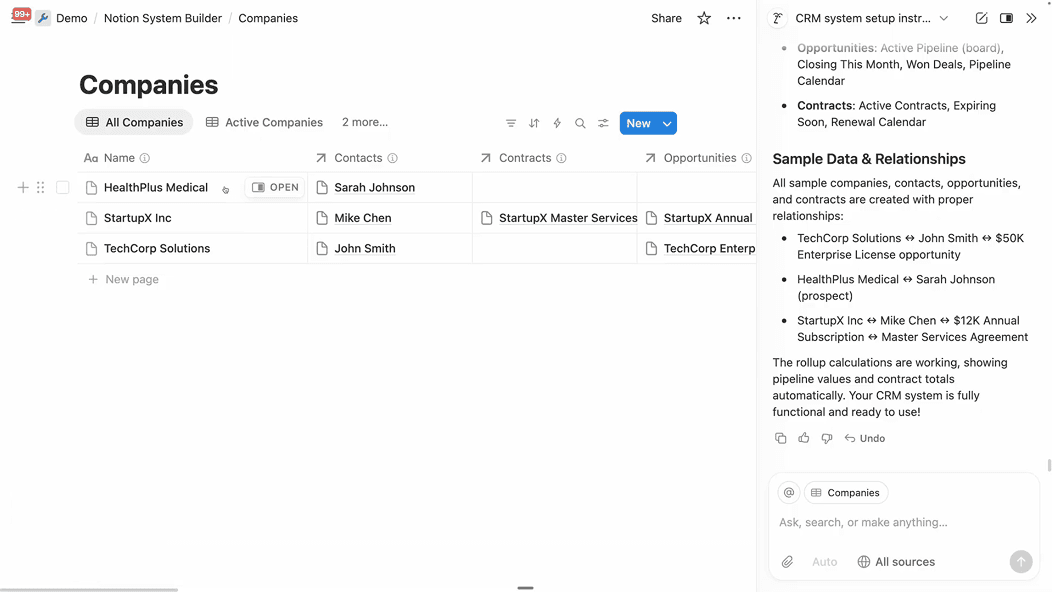
Convert the text from the attached file into text. Translate it to English. Add this text to a new page in my media database [Example database]. Give the page a title that matches the content.
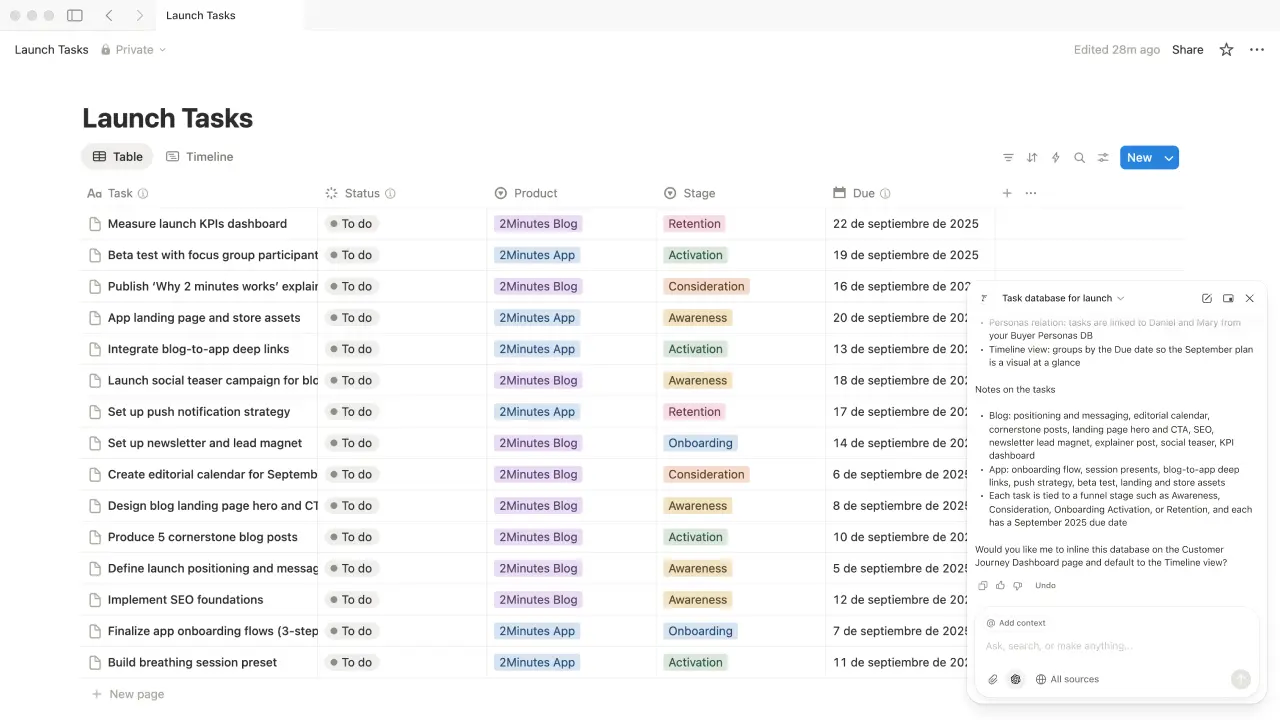
Act as a sales person. Using our historical data, help me create a winning proposal for a new lead. STEP 1 - LEAD ANALYSIS: Analyze this discovery call to understand what are the client paint points, and the direction of what we want to propose him. STEP 2 - PATTERN MATCHING: From our accepted proposals that you can find at {Proposals Database} , analyze the proposal that could answer to similar pain points than the current lead. STEP 3 - PROPOSAL BLUEPRINT: Draft a full proposal based on the ones that you can find at {Proposals Database}, and add it to the database.
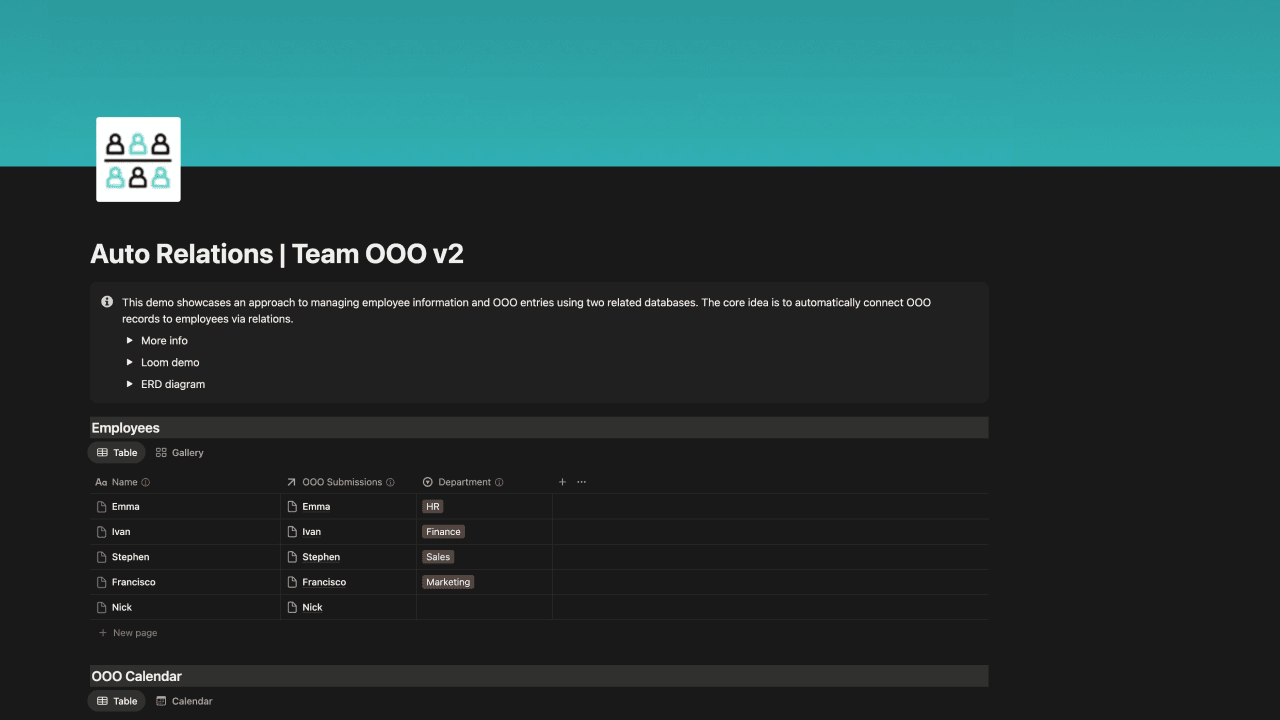
Create and manage my LinkedIn content calendar for the next 4 weeks. Here's what I need you to do: 1. Content Strategy Planning: - Review my "Profile Context" database to understand my 3 main themes - Create a "LinkedIn Performance" database to identify top-performing post types - Create a balanced mix following the 3-pillar approach: 40% expertise content, 30% personal/connection content, 30% social proof/results content 2. Weekly Content Calendar Creation: - Generate 15-20 post ideas per week (3 posts daily + extras) - Include post type, pillar category, hook ideas, and key messaging - Schedule variety: mix of text posts, carousel concepts, video ideas, and polls - Add suggested posting times based on my audience engagement patterns 3. Content Asset Organization: - Create content brief templates for each post idea - Link relevant case studies, client results, or resources from my "WF Resources" database - Suggest repurposing opportunities from previous high-performing content 4. Performance Tracking Setup: - Set up tracking templates for engagement metrics - Create monthly content review structure - Add reminder dates for content performance analysis 5. Workflow Optimization: - Batch similar content types for efficient creation - Create content production checklists - Set up approval workflows if working with team members My Preferences: - Focus on Webflow development, no-code education, and community building - Maintain professional yet approachable tone - Include actionable tips and behind-the-scenes insights - Always include clear calls-to-action - Prioritize engagement over vanity metrics Connected Tools to Reference: - LinkedIn Analytics data - Content Assets database - Client Success Stories - Community feedback and comments Please organize everything in a clear content calendar format with status tracking, deadline management, and performance monitoring capabilities.
Have you discovered an amazing way to use Notion AI? Share your use case and help others unlock new possibilities.