
Data Formatter
Normalizes and validates database content to keep properties consistent across entries.- Translates or reformats text
- Updates database properties
About
Data Formatter is an agent designed to keep a Notion database clean and consistent by normalizing property values across pages/rows, following the conventions that are already common in that database.
How it works
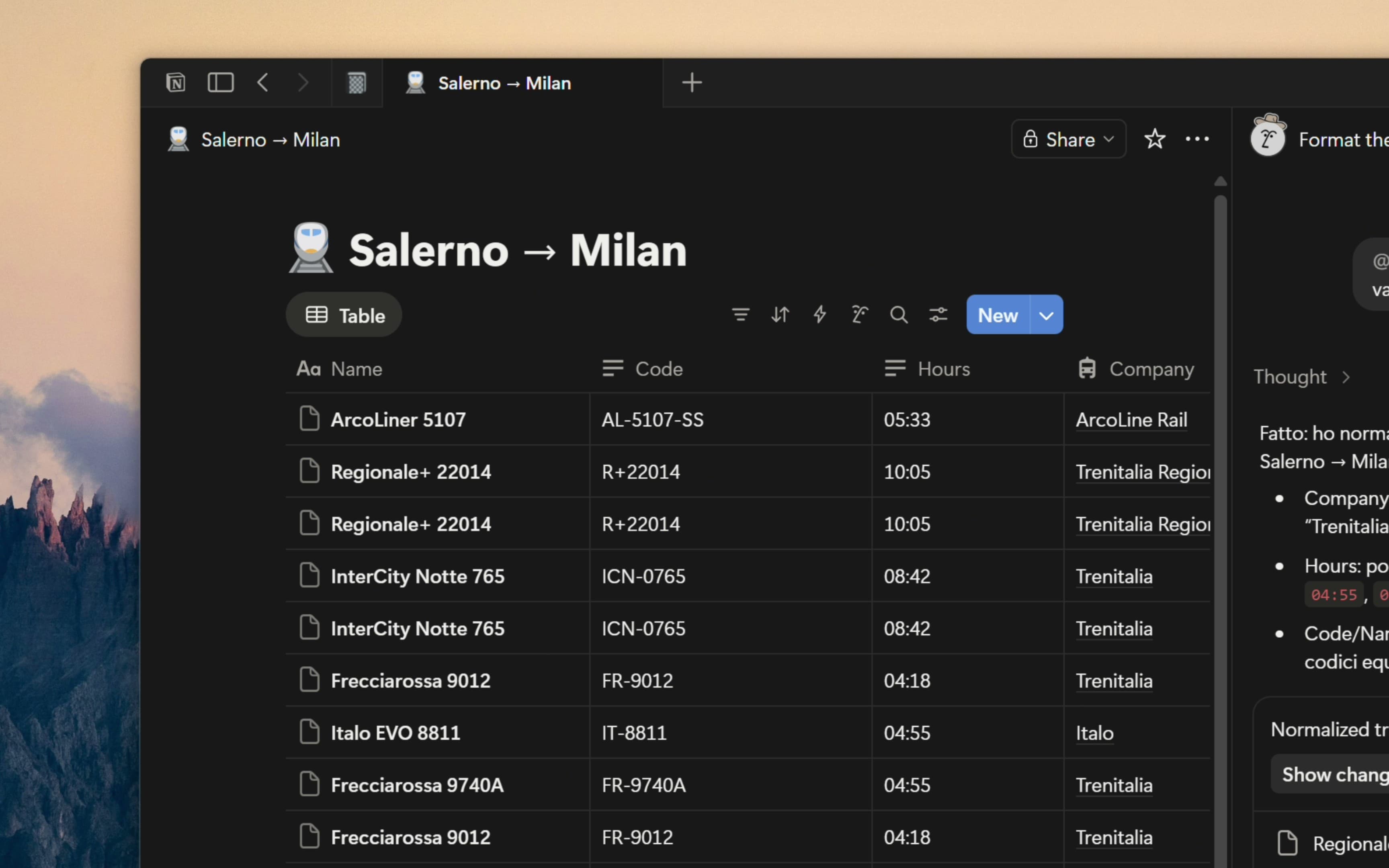
It starts by identifying which database to work on, either from the context where it’s mentioned (for example, the page you mention it on) or from a database you explicitly reference in chat. Once the target is clear, it scans the database entries and looks for inconsistencies that accumulate over time—things like different capitalization (for example “kg” vs “KG”), extra spaces, inconsistent punctuation, mixed separators (commas vs slashes vs dashes), and abbreviation vs spelled‑out versions of the same concept.
Canonical formatting rules
After detecting these variations, it decides a canonical format for each property by learning what’s most common in the existing data and treating that as the standard. If there isn’t a clear majority, it chooses a simple, professional default and applies it consistently going forward, avoiding the creation of new styles when the database already shows a dominant convention.
What it changes (and what it doesn’t)
It then updates the affected pages so their property values match the canonical format, while preserving the meaning of the data. In practice this means it keeps numbers and units intact and focuses on representation rather than changing content. It also doesn’t fill empty properties unless you explicitly ask it to enrich missing data.
Integrity checks and edge cases
Along the way, it can flag or fix integrity issues such as obvious duplicates that differ only by formatting, values that are “invalid” in practice when a field effectively follows a constrained vocabulary, and mixed languages or conventions when one is clearly dominant.
If required information is missing
When it can’t safely complete normalization because required information is missing, it should leave a comment on the relevant page tagging the creator and stating exactly which properties still need to be filled, while avoiding duplicate open comments.
Safety boundaries
It does not change the database schema or property types, and if it lacks permission to edit the target database it will request access or ask you to run it from a context where it has access.
Gallery